MyLedger - Help - Account
Contents
How to add, delete, and modify an account?
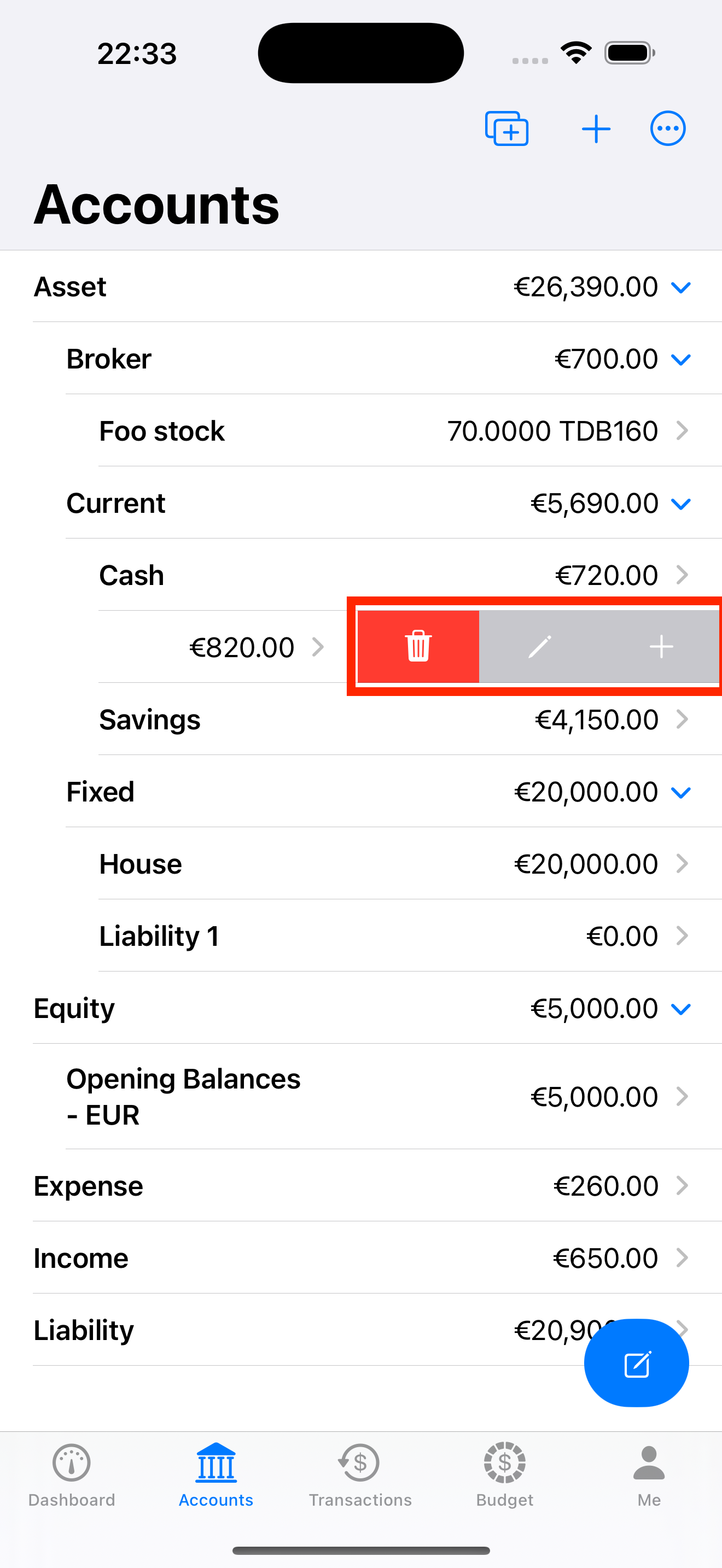
Slide your finger left on a account, which reveals the actions you can do on that account. See the figure below. You can google the swipe gesture if you are not familiar with this operation.
How to jump to the other account?
- Slide your finger left on a transaction, which reveals the actions you can do on that transaction. See the figure below.
- Tap the ‘Jump’ button.
