iCategory - Help - Category
Contents
Create new categories and add existing categories
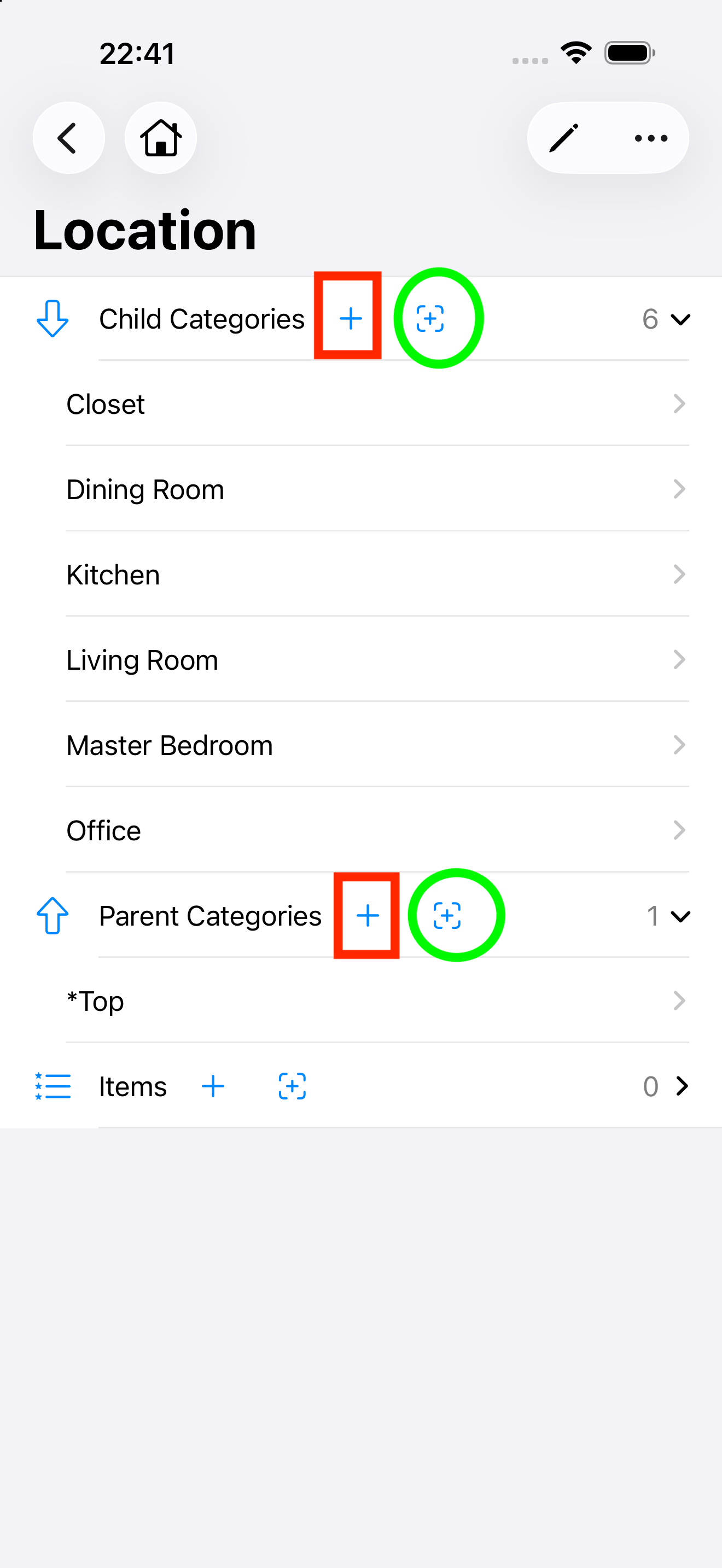
As shown in the figure, use the button inside the red rectangle to create a brand-new category to serve as the parent or child of the current category; use the button inside the green circle to add an existing category to serve as the parent or child of the current category.
Remove and delete categories
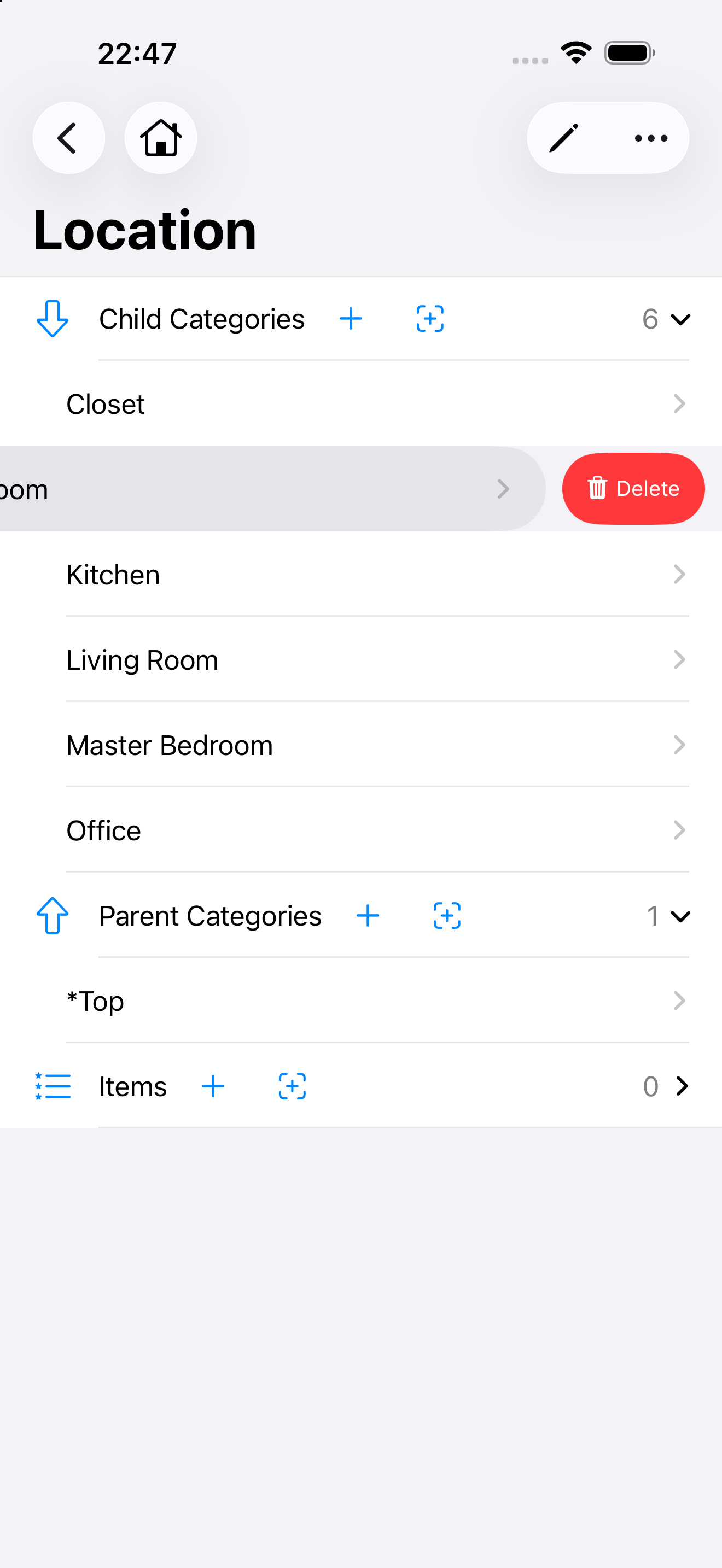
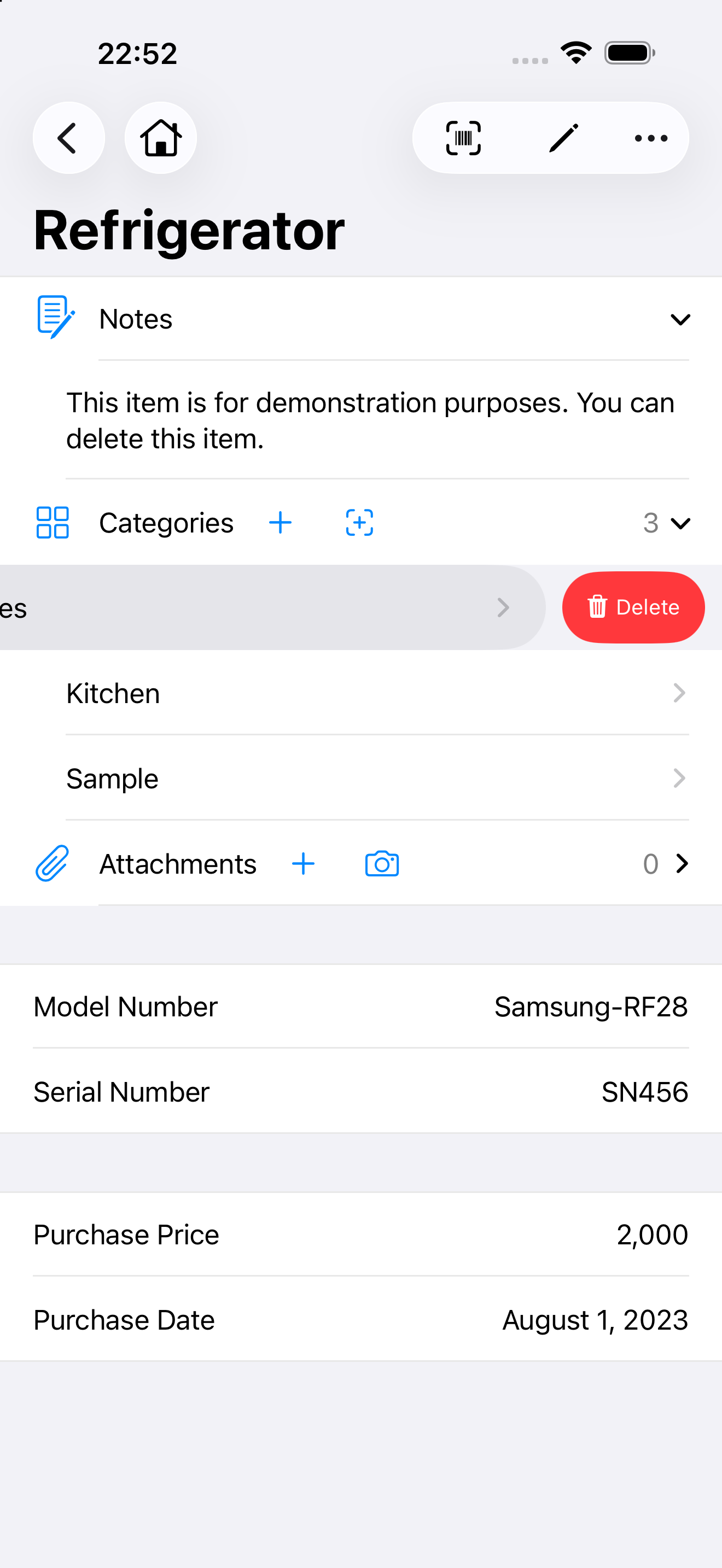
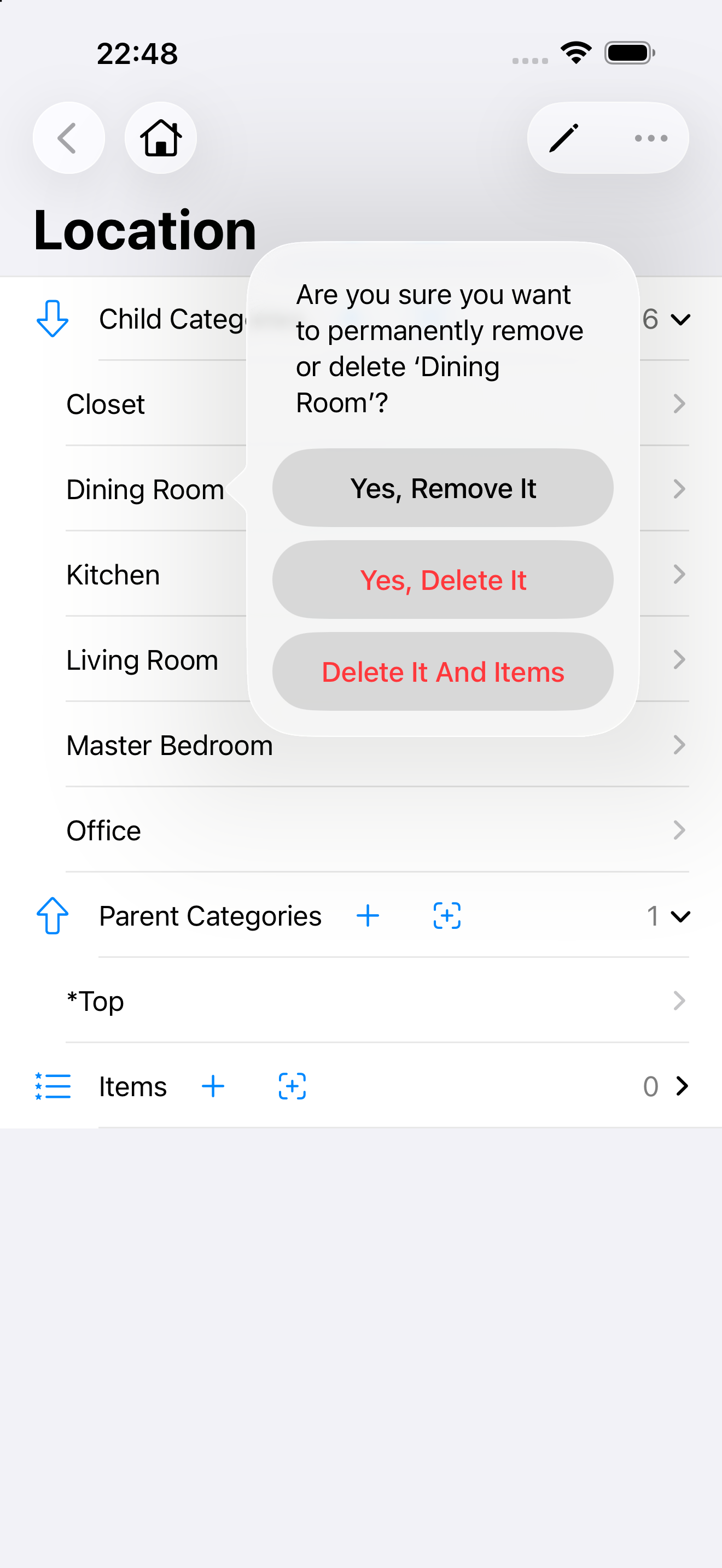
Slide your finger left on a category, which reveals the actions you can do on that account. See the figure below. You can google the swipe gesture if you are not familiar with this operation.
- “Remove” means severing the parent-child relationship between the selected category and the current category; it does not actually delete the selected category itself (the category remains in the app).
- “Delete” means removing the selected category entirely; it will no longer exist in the app.