iCategory - Help - Inventory List
Contents
New inventory list
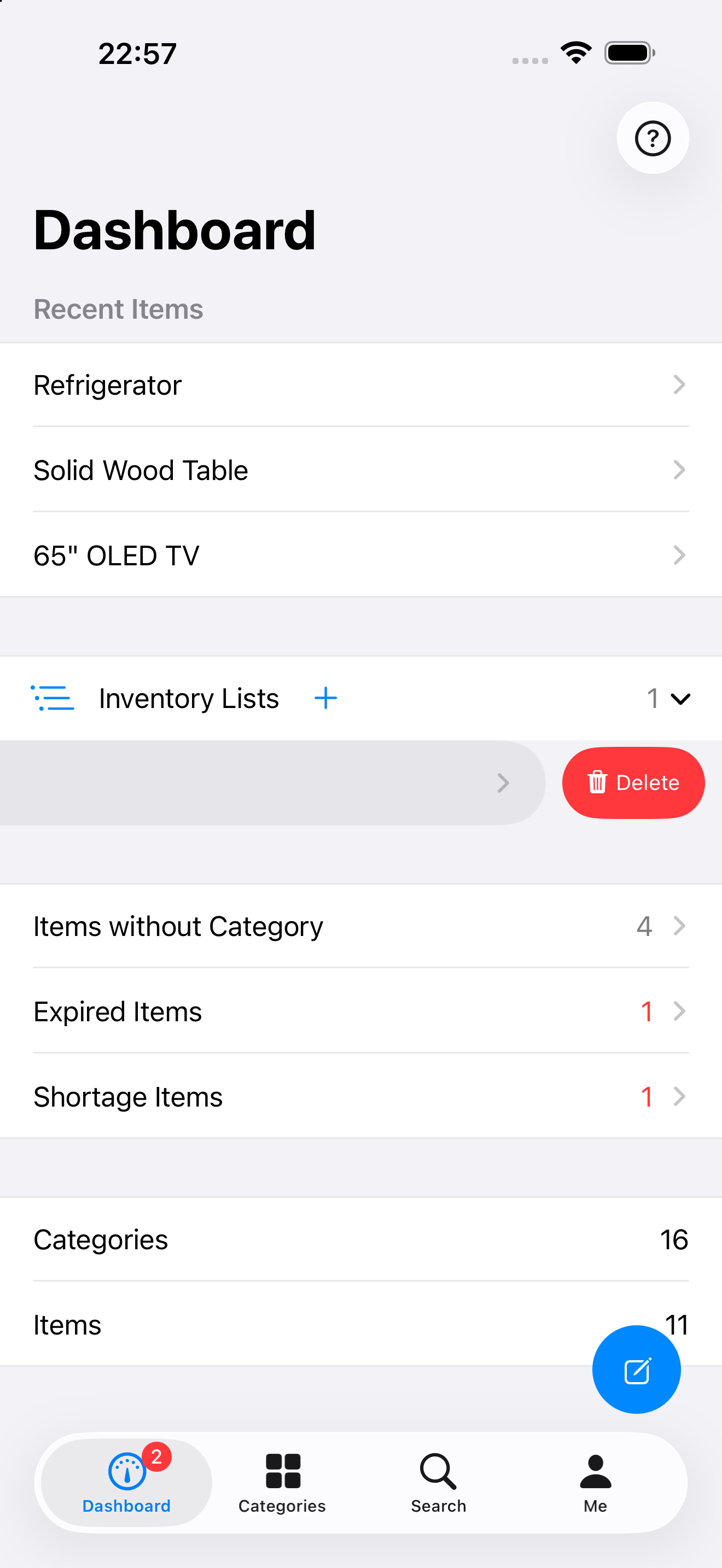
As shown in the figure, use the button inside the red rectangle to create a brand-new inventory list.
Delete inventory list
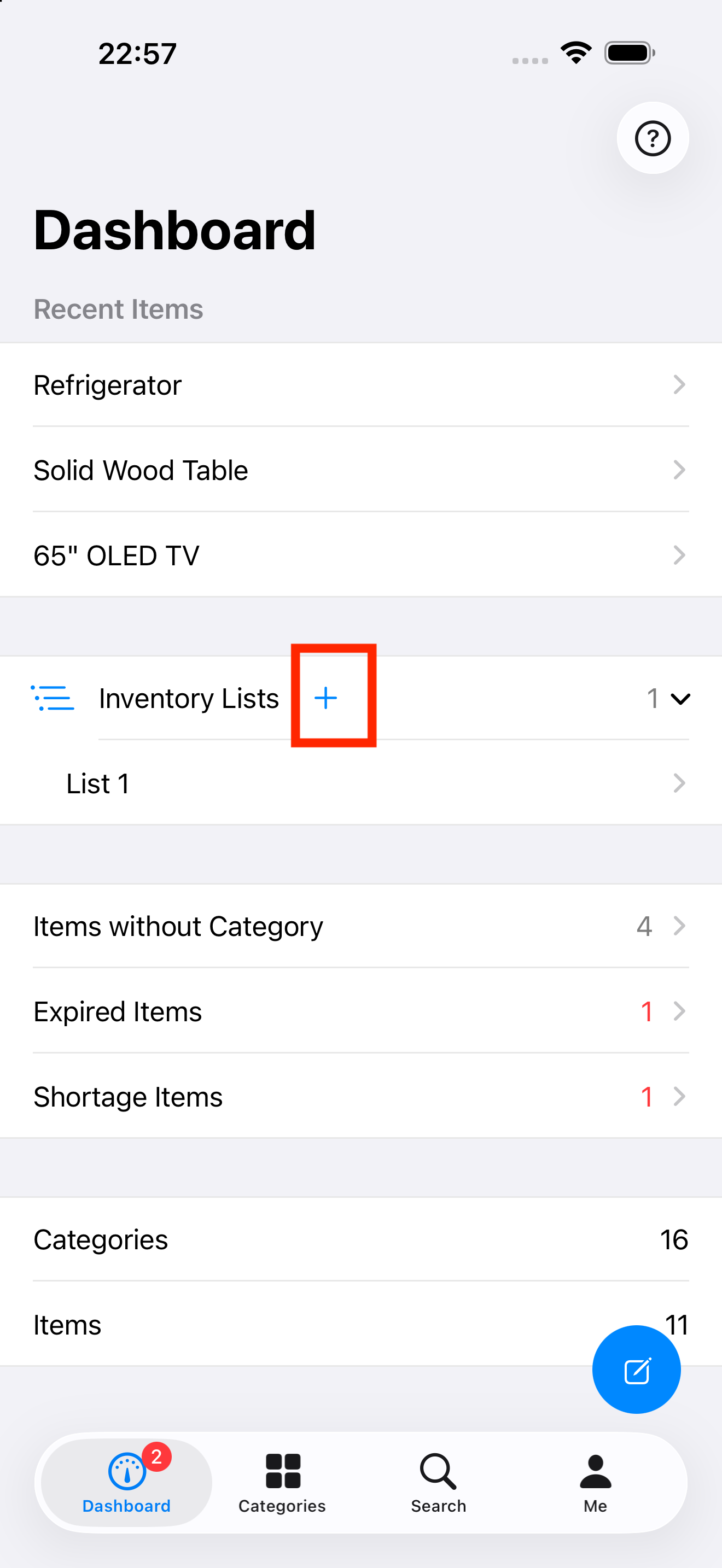
Slide your finger left on a inventory list, which reveals the actions you can do on that inventory list. See the figure below. You can google the swipe gesture if you are not familiar with this operation.
Export CSV file
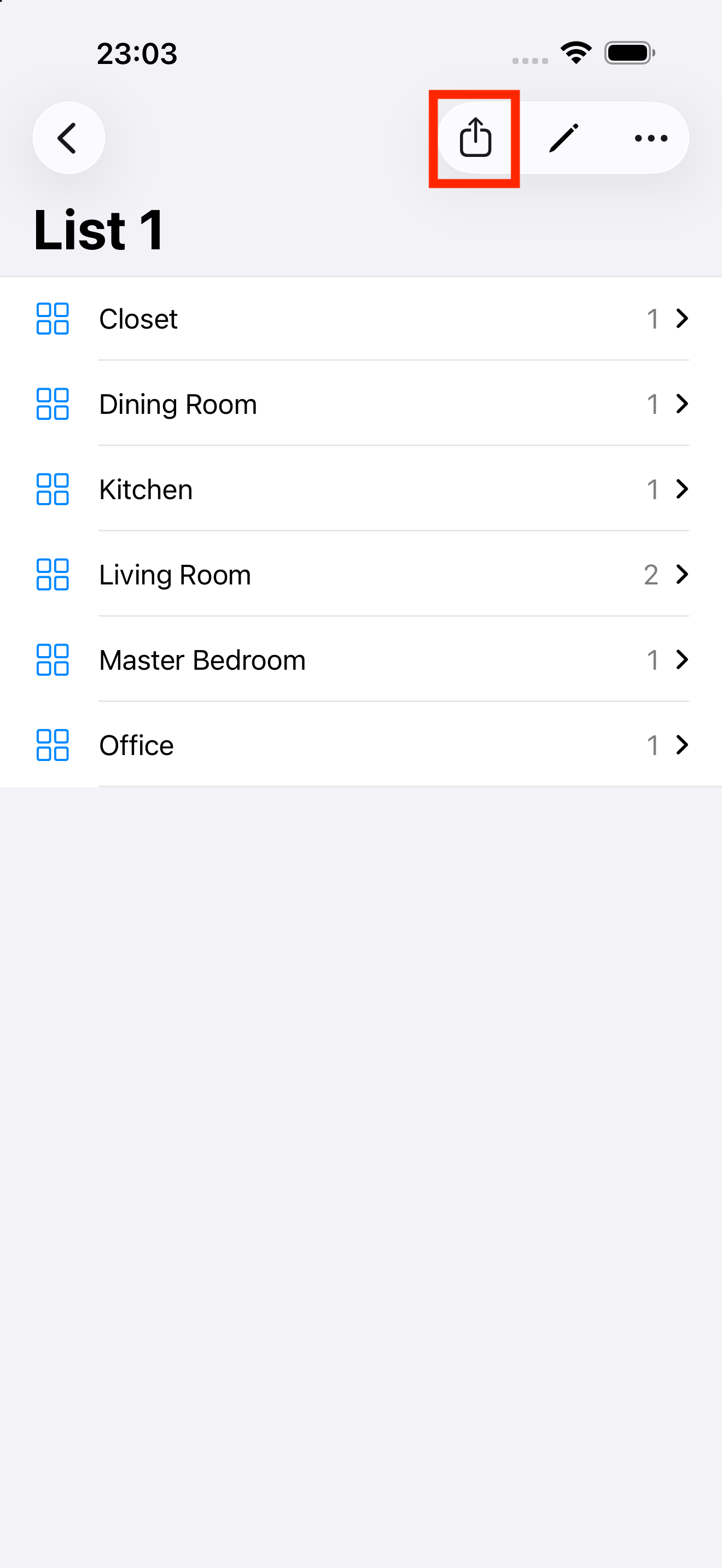
As shown in the figure below, you can use the ‘Export’ button in the upper right corner to export inventory list as CSV file.